


Three games, one account
Switch between CS2, Dota 2 and Deadlock. Each game has its own catalog and inventory.

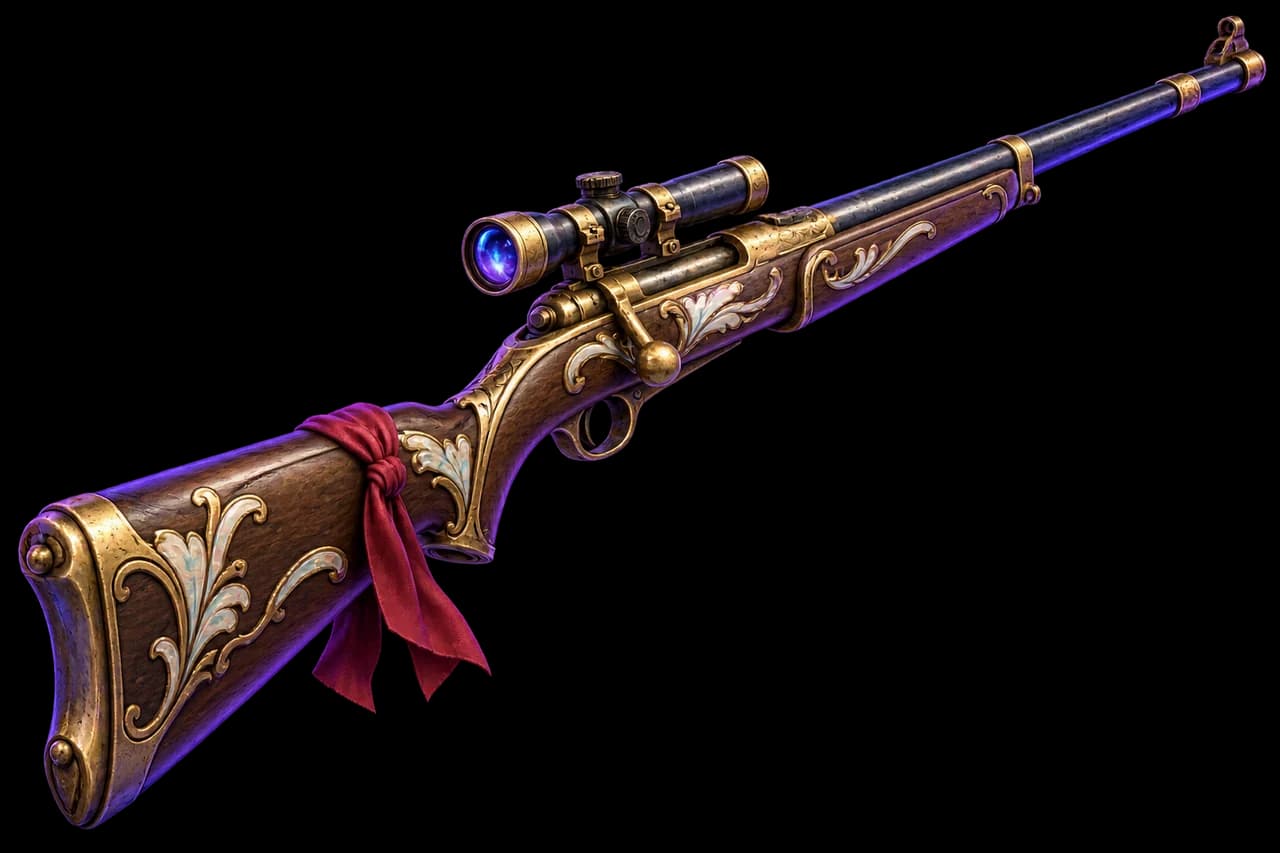
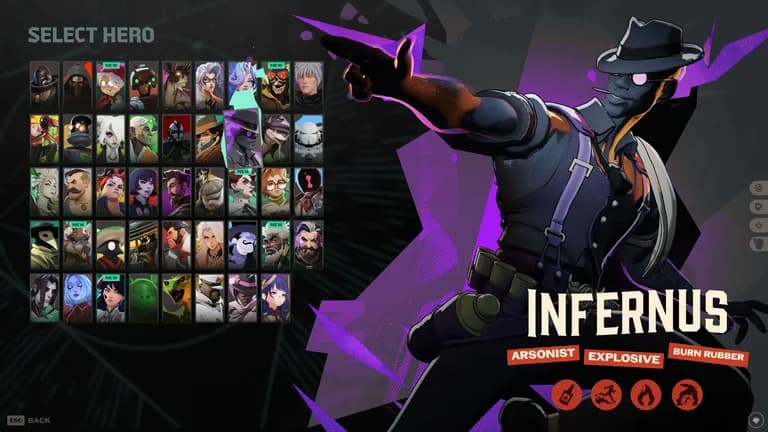
The OverlaySkins Deadlock skinchanger: choose hero looks, browse images and save mods to your inventory. Up to 15 items free in a separate Deadlock inventory.
Filter mods by hero, browse their images and save your chosen version to your inventory.
Choose items, adjust their available settings and save them to your game’s inventory.
Switch between CS2, Dota 2 and Deadlock. Each game has its own catalog and inventory.
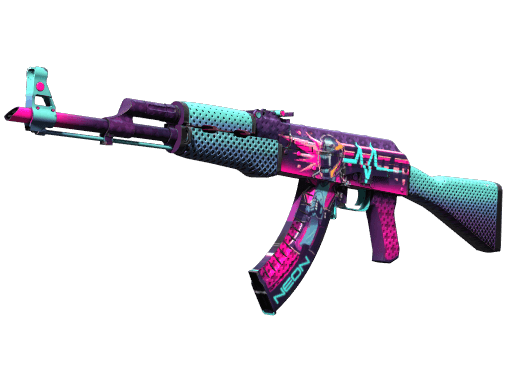
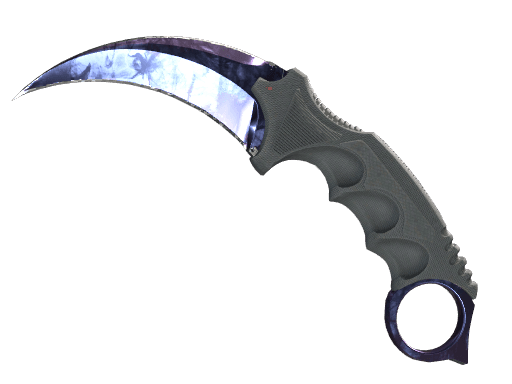
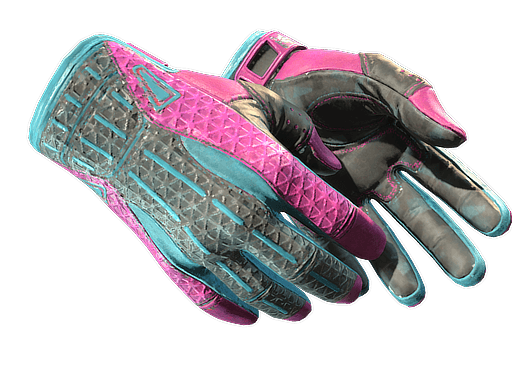
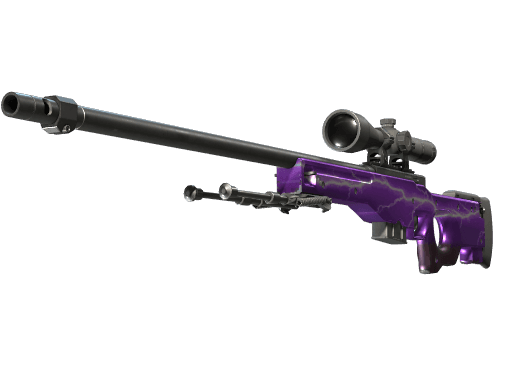
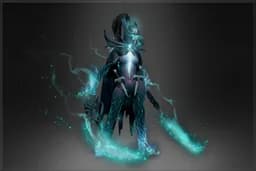
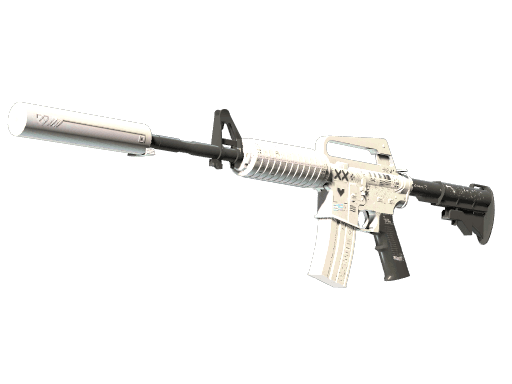
Browse CS2 skins, knives and gloves, Dota 2 Arcanas, couriers and wards, and Deadlock hero mods.
Get help with signing in, the skinchanger and item settings.
Every available category is included free. One Premium subscription removes the limit across all three games.
Save items and their settings to your account. Sign in on another device to access them.
Try the catalog: choose a game, add items and open your demo inventory.
OverlaySkinsInteractive demoHow using one OverlaySkins compares with using separate services for each game.
Separate skinchangersDifferent services for CS2, Dota 2 and Deadlock. | |
|---|---|
A separate skinchanger for each game | A skinchanger for CS2, Dota 2 and Deadlock |
Multiple skinchangers and accounts | One skinchanger and one account |
Free limits depend on each service | 15 free items in each game |
Each service has its own subscription | One Premium removes the limit in all three games |
Settings spread across services | Catalogs and settings for all three games in your browser |
Register or sign in to your OverlaySkins account.
Choose a game, find items and save the settings you like.
Download the Windows inventory changer and open your game through OverlaySkins.
15 items per game, free. One Premium for CS2, Dota 2 and Deadlock.
Yes. If a mod has several images, open its details and browse the gallery. Mods with different components offer separate options.
Save your selection and launch Deadlock through OverlaySkins. If the game is already open, changing mods may require a restart; the skinchanger will show a notification.
Up to 15 items in each of the three games. Inventories and allowances are separate: a CS2 item doesn’t take up a Dota 2 or Deadlock slot. Each saved copy counts individually.
One subscription removes the item limit in CS2, Dota 2 and Deadlock for the paid period. Available categories are also included free. Check the price and duration on the plan card.
No. OverlaySkins changes how your game looks. Items don’t become Steam property and can’t be sold or transferred to another player.
In your OverlaySkins account. Sign in to the same account on another device to see your saved items. Playing uses the Windows skinchanger.
Create an account, choose a game and add items to its inventory. Then download the skinchanger from the official website. Need a hand? Write to [email protected].